What is die cutting? Die cut, kiss cut and custom shapes
Die cutting cuts printed paper and board into shapes that a straight cutter cannot make. This guide explains how dies work, the difference between die cut and kiss cut, and how to set up a dieline.

Die cutting is the process of cutting printed paper, card or board into a shape that a straight paper cutter cannot make. A door hanger with a hole for the handle, a rounded hang tag, a pocket folder and a circular sticker are all die cut.
This guide explains how die cutting works, the difference between a die cut and a kiss cut, and how to set up a file for a custom shape.
How die cutting works
A traditional cutting die is made of thin steel blades bent into the shape of the cut and set into a sturdy base, much like a cookie cutter. The printed sheet is pressed against the die, and the blades cut through it in a single stroke. Rubber strips beside the blades push the paper back out after each cut.
The same die can also hold creasing rules that score fold lines and perforating rules that make tear-off lines. That is how a pocket folder or a box sleeve is cut, scored and perforated in one pass.
Making a die is a setup cost that is paid once. The die can be kept and used again when the piece is reprinted, so the cost of later runs is lower.
Digital cutting
Short runs and prototypes are often cut on a digital cutting table instead. A blade or laser follows the shape from the file, so no physical die is needed. Digital cutting suits small quantities and one-off shapes. A steel die is usually faster and more economical for larger runs.
Die cut vs kiss cut
- Die cut (through cut): the blade cuts through every layer. A die cut sticker is cut through the sticker and its backing, so each one is a separate piece in the shape of the design.
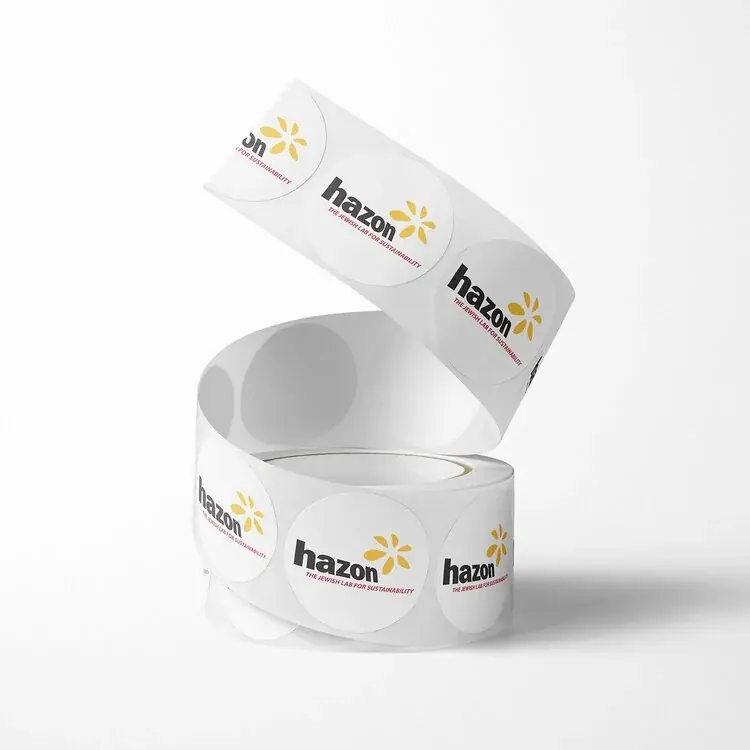
- Kiss cut: the blade cuts through the top layer only and leaves the backing whole. Kiss cut stickers peel off a sheet or a roll, which makes them easier to pack and apply.
Our sticker and label size guide covers common shapes and how to measure a container.
Common die cut pieces
- Door hangers, with a hole and slit that fit over a handle
- Hang tags with rounded corners or a custom outline
- Pocket folders with pockets and card slits
- Stickers and labels in circles, ovals and custom shapes
- Box sleeves and belly bands cut and scored to wrap a box
- Coasters, bookmarks, window cards and shaped business cards
How to set up a dieline
- Ask for a template if the piece has a standard die, such as a door hanger or a folder.
- Draw the cut path as a single closed vector line, not a shape filled with color.
- Put the dieline on its own layer and give it a spot color named something like Dieline, so it does not print.
- Extend the background 0.125 in past the dieline as bleed, and keep text 0.125 in inside it.
- Mark fold and perforation lines in a different color or line style from the cut line.
Our guide to bleed in printing explains bleed and safe area in more detail.
Design tips for custom shapes
- Keep the shape simple. Very tight inside corners and thin points can tear or bend.
- Avoid narrow strips of paper between two cuts, which are weak and can rip in handling.
- Choose a heavy stock for pieces that hang, stand or get handled often.
- Check that the shape still makes sense if the cut shifts slightly, since die cutting has a small tolerance.
Die cutting and recycling
Die cutting creates paper scrap around each shape, and clean paper scrap can be recycled. A die cut paper piece is easier to recycle than one with a plastic window or a laminated finish. For packaging, a die cut paper sleeve or insert can often replace plastic. Our guide to eco friendly packaging for small business covers more options.
Common questions
What does die cut mean?
Die cut means a printed piece has been cut into a specific shape with a blade die instead of being trimmed with straight cuts.
What is the difference between die cut and kiss cut?
A die cut goes through every layer, including a sticker's backing. A kiss cut goes through the top layer only, so stickers peel off a shared sheet or roll.
Is die cutting expensive?
A new die is a one-time setup cost. For short runs, digital cutting avoids that cost. For repeat jobs, the same die can be used again.
What file do I need for die cutting?
A vector file, such as a PDF or Illustrator file, with the cut path on its own layer as a named spot color line.
Products mentioned in this piece
Everything below prints on recycled, FSC-certified stock with soy-based inks. Ask for a quote on any of it.

Printing something like this?
Thirty-six years of sourcing recycled stock, put to work on your job. Tell us what you need and Greg will come back with stock options, a price and a date.