What does collate mean in printing? Collated vs uncollated
Collate means printing complete sets in page order. Here is how collated and uncollated printing differ and when to use each one.
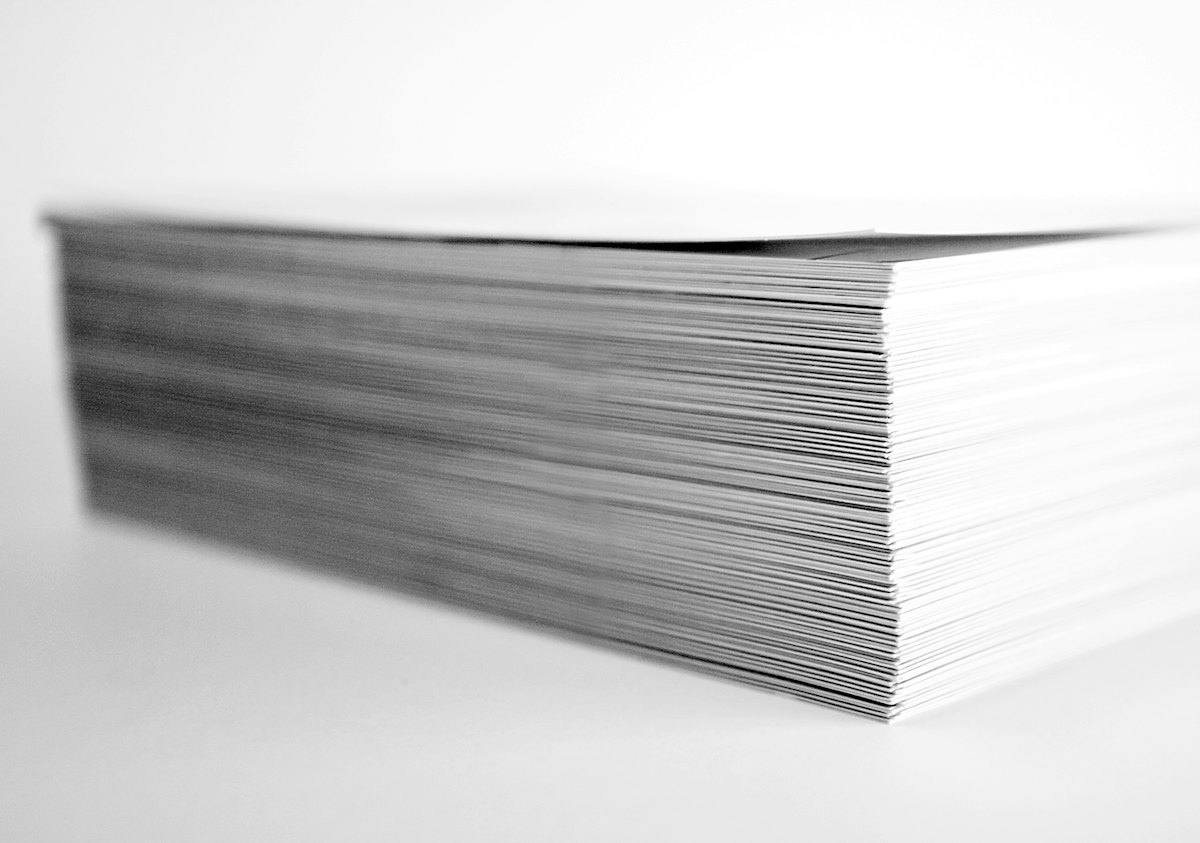
In printing, collate means assembling the pages of a multi-page document into complete sets in the correct order. A collated run of a three-page document comes off the printer as pages 1, 2 and 3, then 1, 2 and 3 again, so each set is ready to staple, bind or hand out. An uncollated run prints every copy of page 1 first, then every copy of page 2, and so on.
To price a multi-page job, see our booklet printing and annual report printing pages.
Collated vs uncollated printing
The difference is the order in which the pages come out. For three copies of a three-page document, the output looks like this:
- Collated: 1, 2, 3, then 1, 2, 3, then 1, 2, 3. Each copy is a complete set.
- Uncollated: 1, 1, 1, then 2, 2, 2, then 3, 3, 3. The pages are grouped by page number.
Collated output is what most people want for reports, handouts, manuals and presentations. Uncollated output is useful when each page is used on its own, or when the sheets will be folded and gathered later in a bindery.
How collating works in commercial printing
On an office printer or copier, collating is a setting in the print dialog. In commercial printing, collating usually happens after the pages are printed. Longer jobs are often printed on large press sheets that carry several pages each. The sheets are folded into sections called signatures, and the signatures are gathered in order before binding.
- Saddle-stitched booklets: folded sheets are nested inside one another and stapled through the spine fold.
- Perfect-bound books and reports: signatures are stacked in order, and the cover is glued to a flat spine.
- Loose sets and kits: single sheets are gathered into sets, then stapled, drilled for binders or placed in folders.
- Multi-part forms: the parts of each carbonless form are collated into sets before they are glued into pads.
Our guide to saddle stitch vs perfect binding explains how each binding affects page count and layout.
Page counts and imposition
A saddle-stitched booklet is made from sheets folded in half, so its page count must be a multiple of 4. A 12-page booklet uses three sheets, and each sheet carries four pages. The printer arranges the pages on each sheet so they read in order after folding and collating. This arrangement is called imposition, and it is handled in prepress, so you should supply your file as single pages in reading order.
- Supply one PDF with the pages in reading order, starting with the front cover.
- Add blank pages where needed so the total is a multiple of 4 for saddle stitching.
- Do not build printer spreads yourself unless your printer asks for them.
- Number the pages in the design so the collated sets are easy to check.
Our print-ready files guide covers bleed, resolution and PDF export settings for multi-page documents.
When to choose collated or uncollated
- Choose collated for reports, booklets, training binders, meeting packets and anything handed out as a complete set.
- Choose uncollated when each page is a separate piece, such as flyers, inserts or posters printed in several versions.
- Choose uncollated when the sheets go to a bindery for folding and gathering, since collating happens there.
On most office printers, collated copies take a little longer than uncollated copies, because the printer processes each set in turn. On commercial jobs, gathering and binding are part of finishing, and we will confirm the details with your quote.
Getting page order right the first time
Most collating problems start in the file. A missing blank page, a page exported out of order or a cover saved as a separate file can put every set out of sequence. Checking the PDF page by page before you send it prevents a reprint, which saves paper as well as time. If your document will be printed on recycled paper, our guide to types of paper for printing describes common text and cover stocks.
Common questions
What does collate mean on a printer?
It means the printer outputs complete copies in page order, such as 1, 2, 3, then 1, 2, 3, instead of printing all copies of each page together.
What is the difference between collated and uncollated?
Collated copies come out as complete sets in order. Uncollated copies come out grouped by page, with all copies of page 1 first, then all copies of page 2.
Should I print collated or uncollated?
Print collated when each person needs a complete document. Print uncollated when each page is used on its own or will be gathered later in a bindery.
Why does a booklet need a page count divisible by 4?
A saddle-stitched booklet is made from sheets folded in half, and each sheet carries four pages, so the total must be a multiple of 4.
Products mentioned in this piece
Everything below prints on recycled, FSC-certified stock with soy-based inks. Ask for a quote on any of it.


Printing something like this?
Thirty-six years of sourcing recycled stock, put to work on your job. Tell us what you need and Greg will come back with stock options, a price and a date.